
Write a scene from scratch
Set the location, choose the subject and describe one event. A single action gives the shot a clear beginning and end.
Give the Happy Wan AI video generator a starting view and an action. A traveler looks up as a train arrives. A dancer turns toward the light. Decide which moment the camera should catch.
Direct the shot
Use the AI video generator to explore timing while keeping the action easy to follow.
Set the location, choose the subject and describe one event. A single action gives the shot a clear beginning and end.
Choose an image-input mode and add your first frame. Spend the prompt on what moves, how fast and in which direction.
When the selected mode accepts a last frame, provide both endpoints. Tell the AI video generator what should carry the eye from one to the other.
Shot ideas
Try these briefs in the AI video generator, then decide where the clip belongs in your edit.
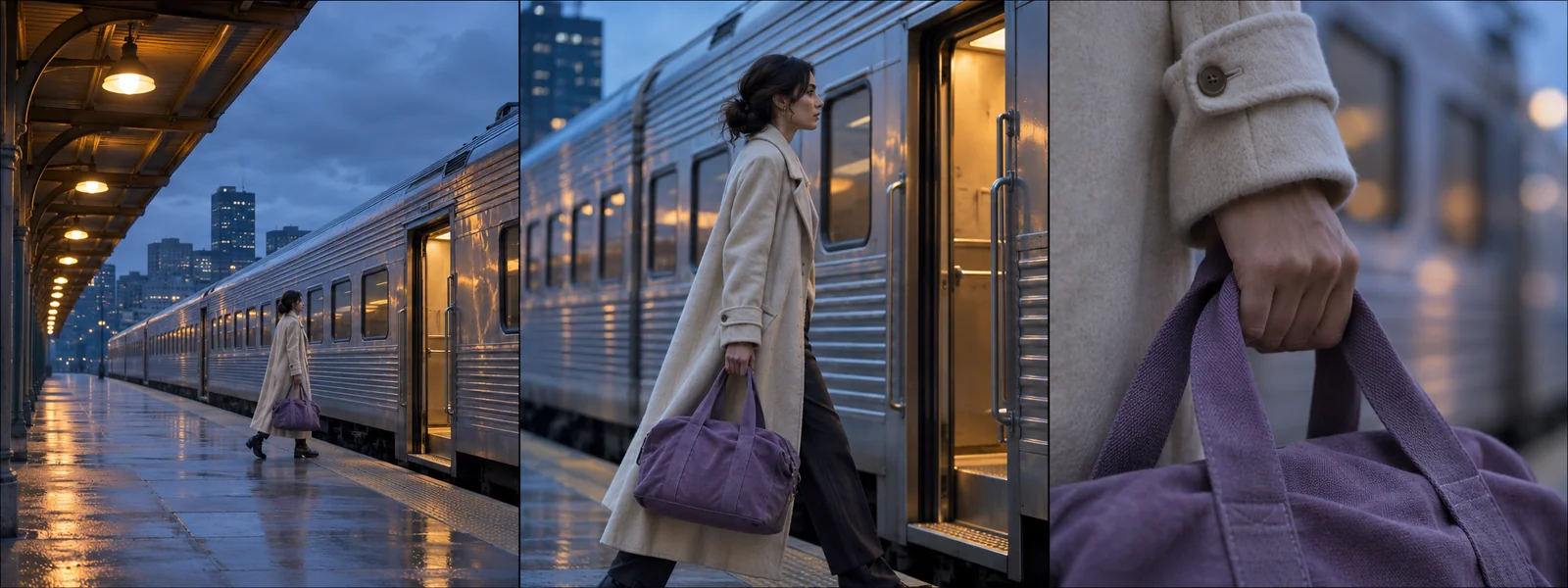
Open wide to establish the station. Cut closer when the traveler hears the arriving train and lifts their gaze.
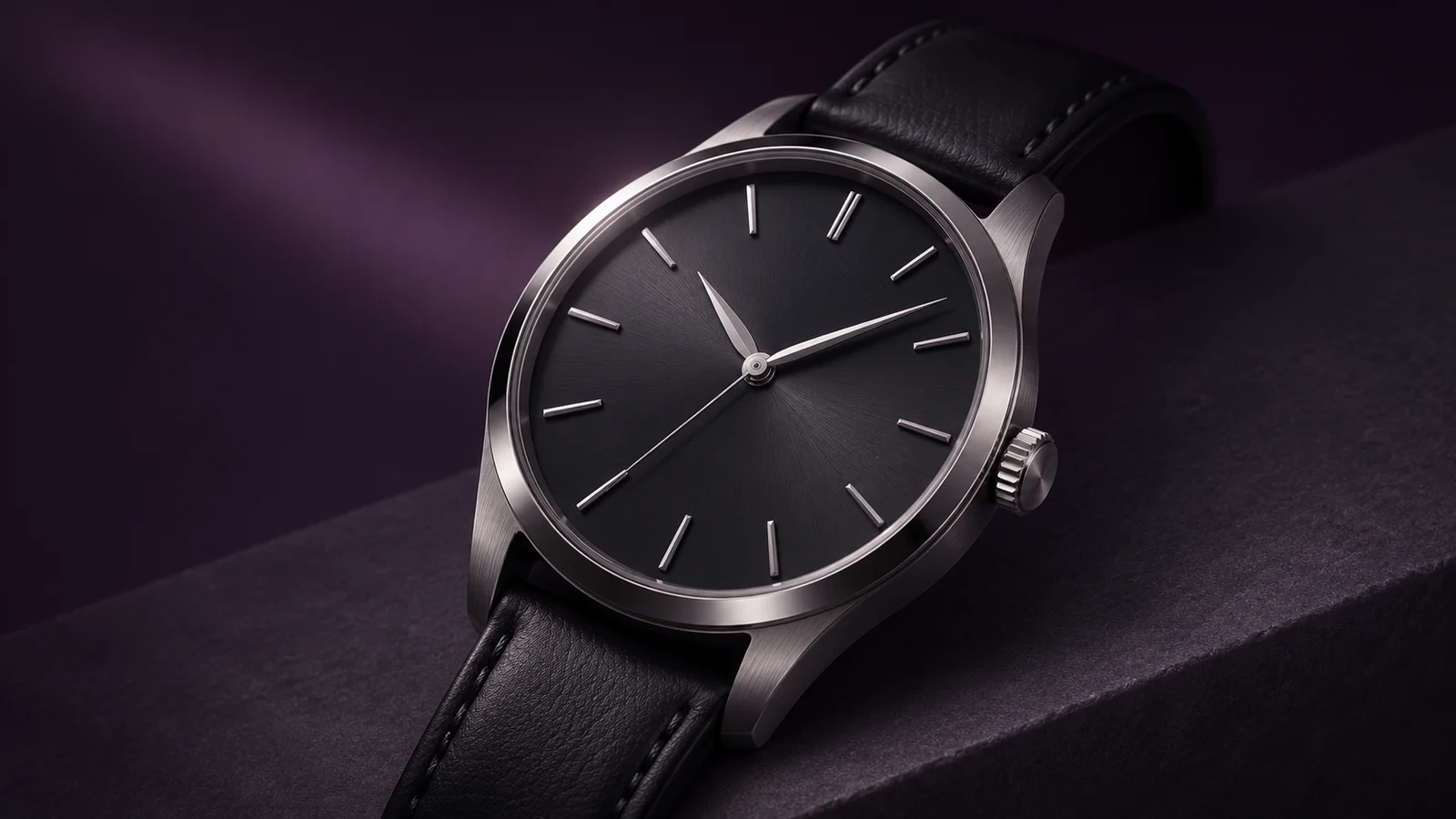
Ease around the watch so a narrow reflection travels from the case onto the dial. Keep the dial in focus at the end.
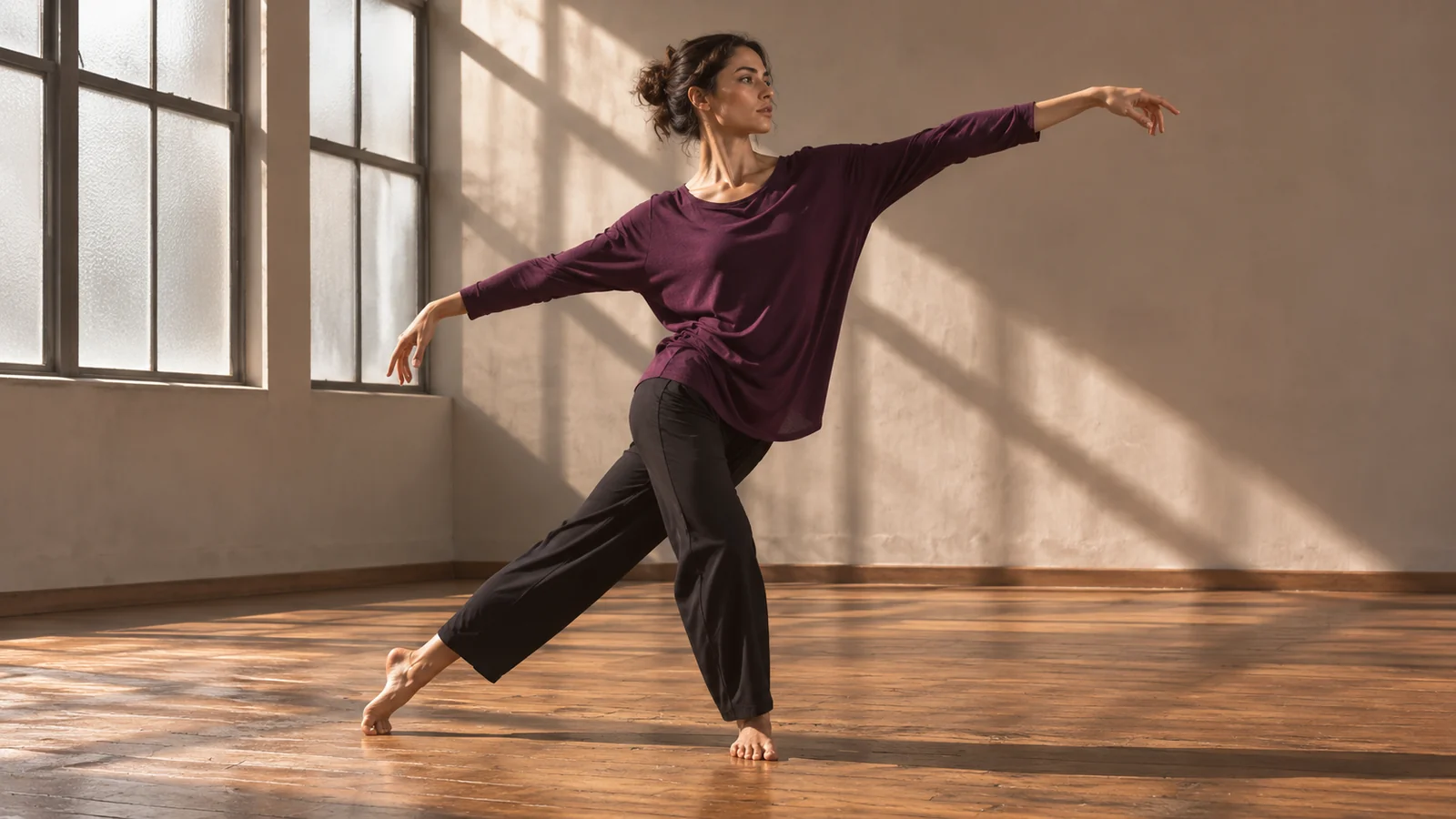
Hold a fixed full-length view as the dancer shifts weight and turns. Give the gesture space to finish before you cut.
From prompt to edit
A simple brief makes versions from the AI video generator easier to compare.
01
Choose a supported aspect ratio for the intended screen. Describe the opening view or use an image to establish it.
02
Tell the AI video generator what the subject does and what the camera does. Try a fixed view first if the action is intricate.
03
Sign in and submit after checking the credit cost. Watch the start and end together to see whether the action has time to finish.
04
Reuse the brief and change one instruction, such as a slower turn. Pick the take whose timing fits the next shot.
Camera and delivery
In a mode with audio, name the source and the action it coincides with, such as the click of a watch clasp as it closes.
Use one when clothing, framing or lighting is already decided. In the motion prompt, describe what changes after the camera starts rolling.
Decide what should fill the frame at the cut. When a mode accepts an ending image, use it to define that view.
The AI video generator shows a credit estimate for the model and settings you choose before submission. Video downloads require an eligible paid entitlement.
Happy Wan
Open the AI video generator with one clear action and a place for the camera to stand.