
Show the setting
Identify the viewpoint and the most important shape. A high angle reveals a station layout. A view at eye level brings the traveler into focus.
Use the Happy Wan AI image generator to decide what belongs on screen before anything moves. Sketch a setting in words or give the model a reference to work from.
Picture planning
A picture for a storyboard has a different job from a close-up for a product page. Give the AI image generator one clear brief.
Identify the viewpoint and the most important shape. A high angle reveals a station layout. A view at eye level brings the traveler into focus.
Give the light a direction. A narrow highlight along a watch case can reveal its curve even against a dark backdrop.
For an opening frame, leave room in front of a moving subject. Check where a raised arm or the next step could land.
Reference frames
Explore a location, an object and a gesture in the AI image generator.
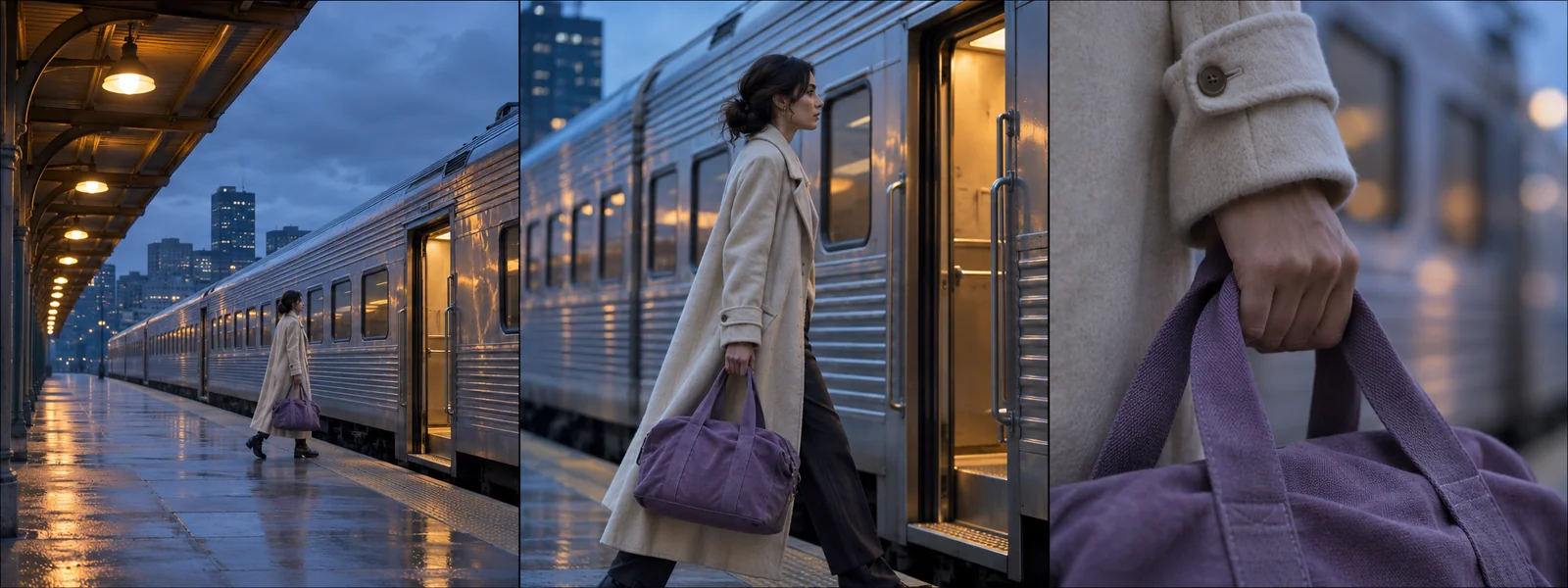
Keep the same platform and traveler across three proposed shots. Change only the distance between the camera and the subject.
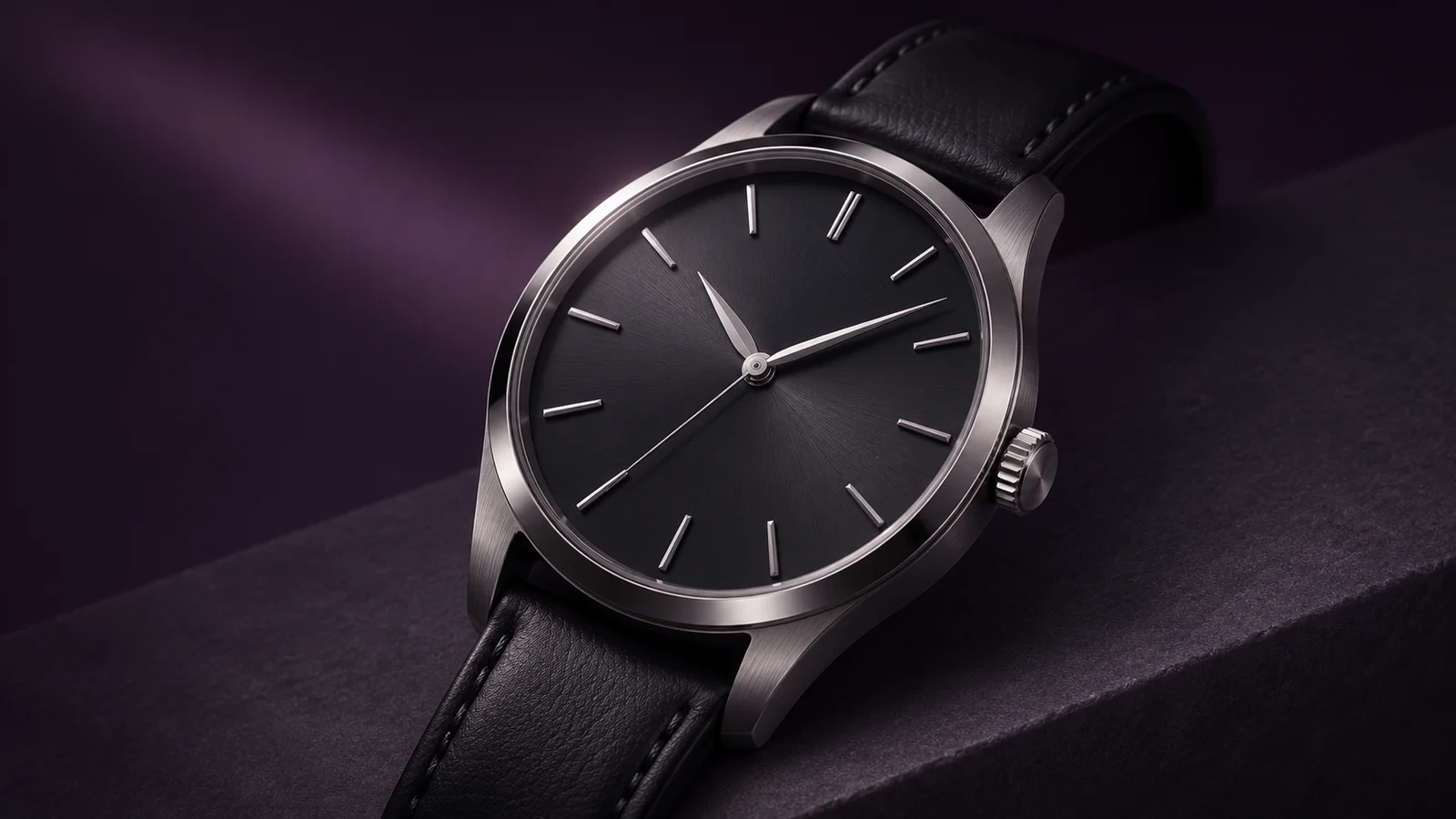
Bring the watch face close and light it from one side. Look for a clear outline between the rim and the background.
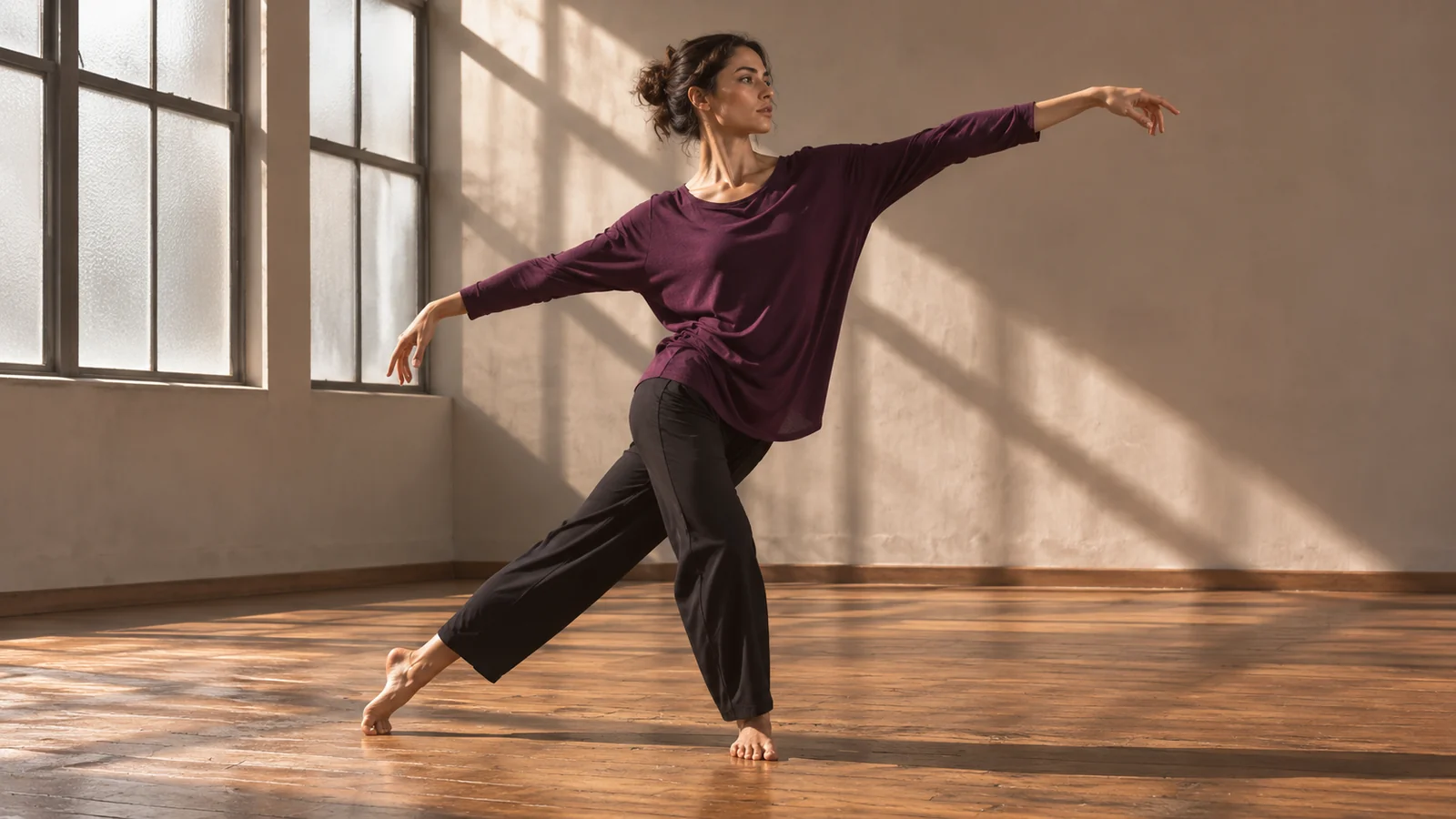
Frame the full dancer against the studio wall. Leave space around the hands so the silhouette reads at thumbnail size.
Working with a reference
Try the same brief in the AI image generator with two compositions before you polish either one.
01
A tall poster needs different framing than a wide video. Pick the shape of your final layout first.
02
Enter a scene description in the AI image generator or choose an image-input mode to build on an existing picture.
03
Look at the image small to judge its silhouette. Open it at full size to inspect surface details and distracting edges.
04
Change the camera height, light direction or background in the AI image generator. Hold the other choices steady for a fair comparison.
Input and output
Use a well-lit image with a clear view of the feature you want to keep. Tell the model which part matters, especially if the original has a busy background.
Try a simpler background and a tighter crop. Check a small preview before investing time in finer textures.
Save the frame, then choose a video mode that accepts a starting image. Use the motion prompt for what happens after that frame.
The AI image generator shows the credit cost for your selected model and settings before submission. Downloads require an eligible paid plan or credit pack.
Happy Wan
Open the AI image generator with a subject and a viewpoint in mind.