
Product films
Can a viewer see how the clasp opens? Frame the hand and hinge together. Save the wider beauty shot for after the mechanism is clear.
Sign in to claim 100 starter credits and begin creating
Starting material
Choose the input that holds the part of your idea you want to keep.
For text to video, write the action as it would appear on screen. Give Happy Wan a setting, a subject and a change the viewer can see.
A first-frame image sets the composition, palette and light. Describe what happens next. A breeze lifts a curtain while the room and camera stay still.
Pair two keyframes when the final composition matters. In Happy Wan, describe the movement that connects them, such as a pullback from a window to the whole house.
Storyboard example
A traveler walks toward a train with a violet bag in hand. When do we realize they might hesitate? Use Happy Wan to try the same departure in three different frames.
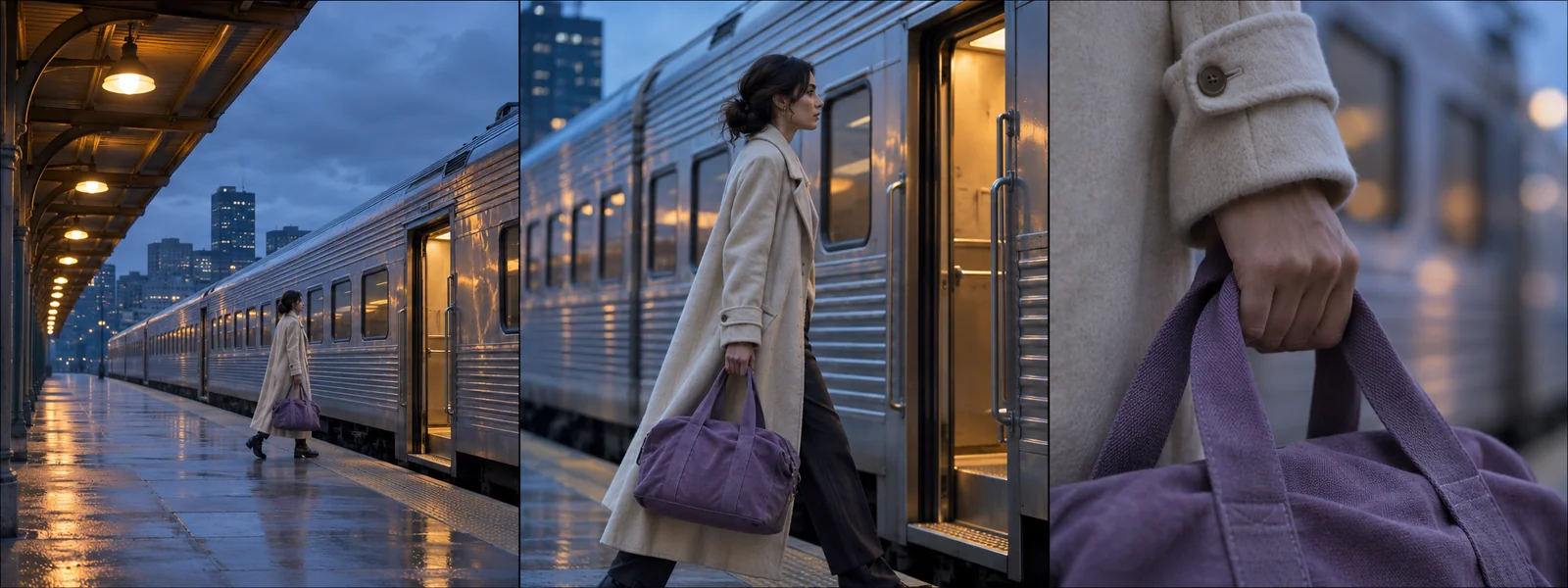
Open wide at dusk. Show the traveler, the bag and the waiting train together. The space between the traveler and the door tells us how far there is to go.
Move alongside the traveler at walking speed. Give Happy Wan the same cream coat and violet bag as references so the cut from the wide shot is easy to follow.
Move in close on the handle. As the train chime sounds, the traveler tightens their grip. Hold there for a beat and let the audience wonder whether they will board.
Prompt examples
Try these two directions in Happy Wan. One brings a small detail into view. The other gives a performer enough room to finish a movement.
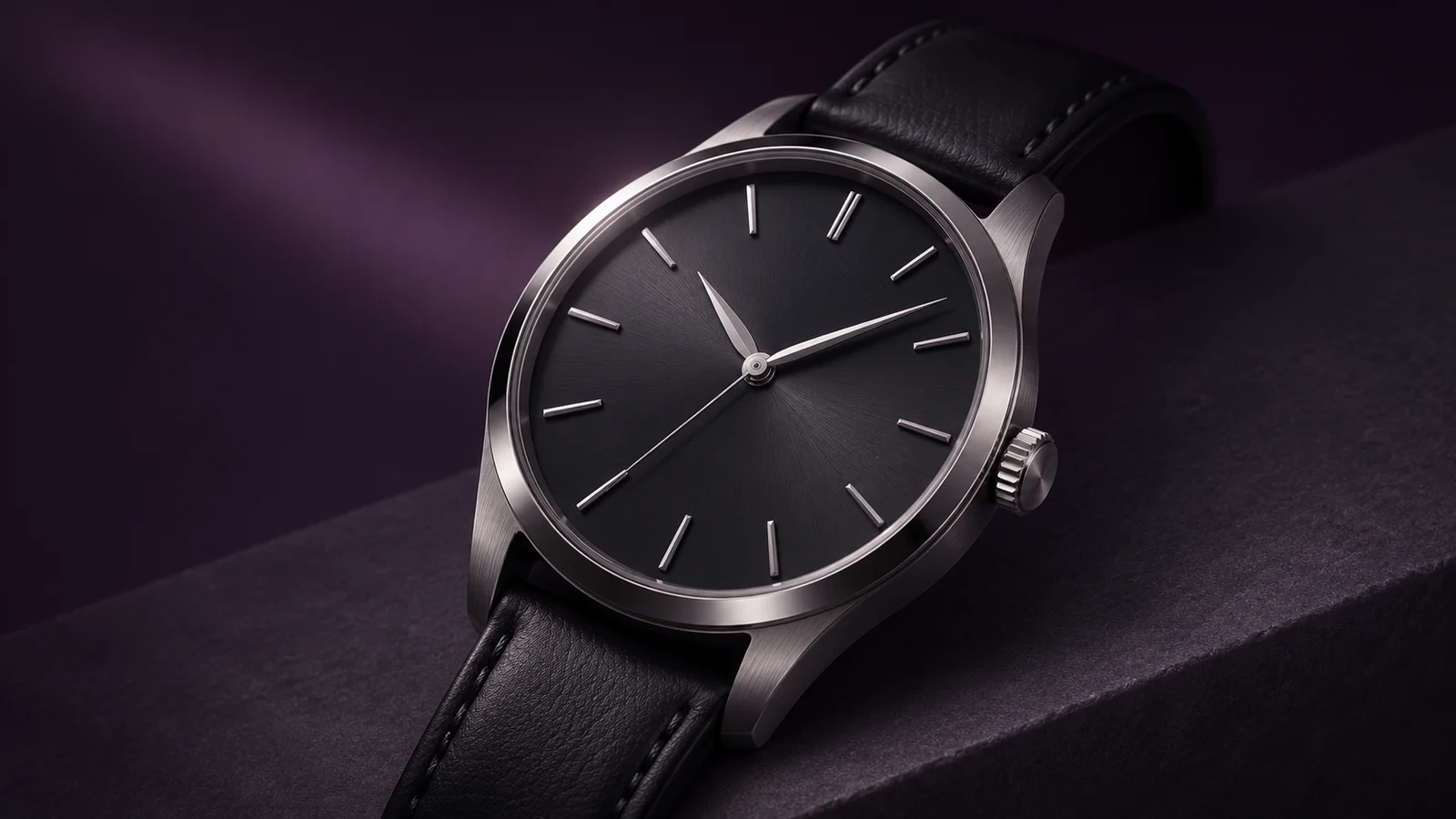
Start with a product photograph. Write “The watch stays on its stand. The camera arcs slowly around the dial as a narrow reflection travels across the crystal.” Keeping the watch still makes the curve of the glass easier to see.
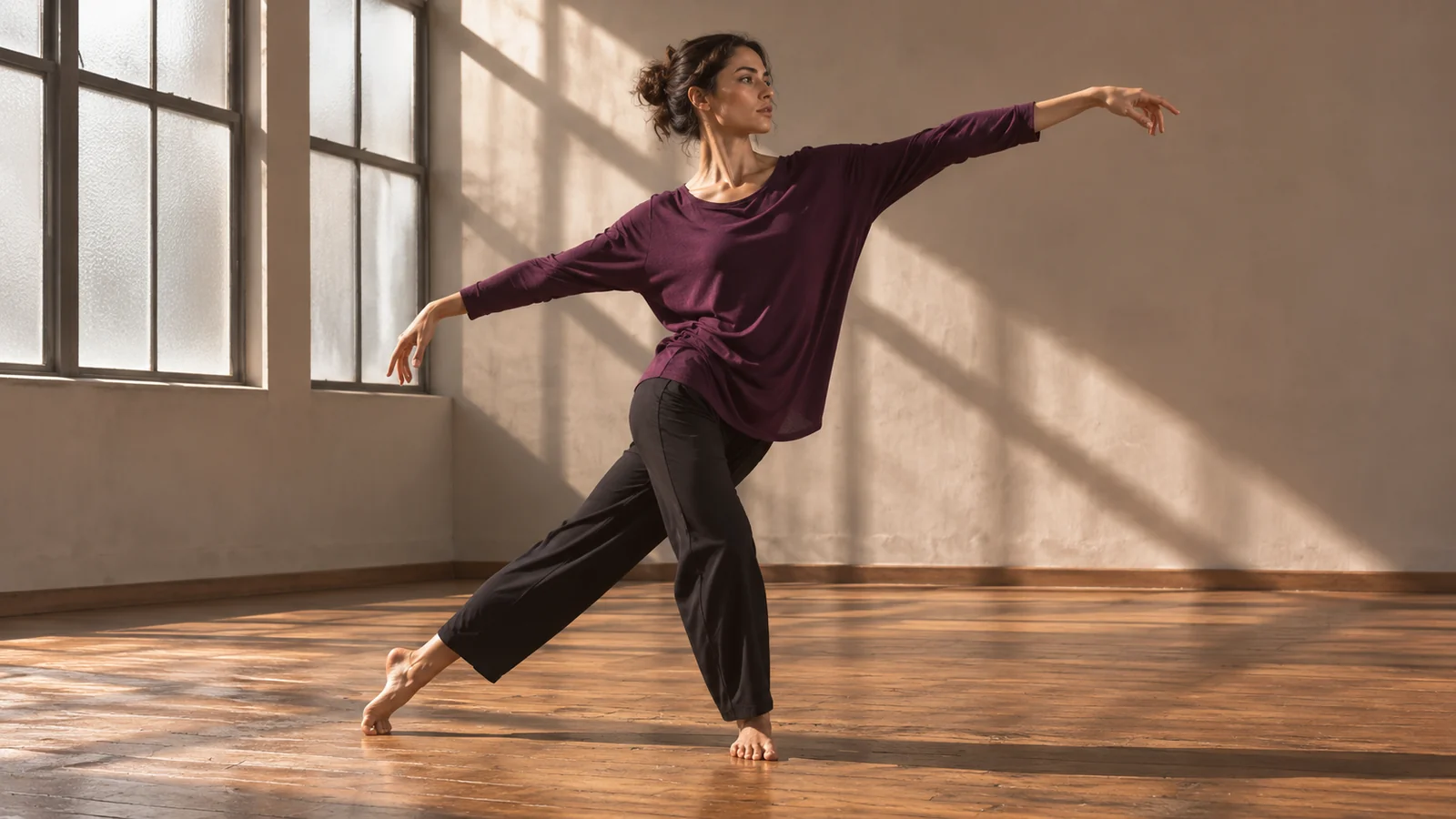
Start wide enough to see the floor around both feet. Write “Locked wide shot. The dancer crosses the room in two steps, turns and holds the landing.” The fixed viewpoint makes the timing and weight shift easier to judge.
First take
A first take can answer a small question before you commit to a whole sequence. Can we read the gesture? Does the reveal happen too early?
Describe the last thing the viewer should notice. If an exact pose or product angle matters, supply a closing frame.
Choose a video mode and the format for your screen. Check the options and credit cost in Happy Wan before running the take.
If your mode includes audio, listen for the cue that marks the action. A latch clicking before the door moves tells a different story than one clicking afterward.
Keep the reference and action. Try the same Happy Wan shot with a slower camera move and compare the moment when the subject comes into focus.
Creative uses
Use Happy Wan to answer a question about a scene while there is still room to change it.
Can a viewer see how the clasp opens? Frame the hand and hinge together. Save the wider beauty shot for after the mechanism is clear.
Stage the same entrance from the hallway and from inside the room. Compare the Happy Wan takes to decide when the audience first sees the visitor.
Use a clear character reference for recurring features. Give each shot a different gesture and check the silhouette at the cut.
Frame a vertical opening around one readable motion. Leave room for a caption when composing the first frame so it will clear the subject’s hands and face.
Video questions
Give each reference a separate role. For example, specify that the passenger in the portrait enters the station in the location photo. Repeat the same labels across the shots.
In a Happy Wan video mode with audio, assign a short line to a speaker and describe the surroundings separately. For a quiet station conversation, ask for distant rail noise under the voices.
Use video continuation in a compatible mode. Start with the existing footage and describe the action immediately after its last moment. If you are working from a still, use the closing image as the opening frame for the next take.
In a video editing mode, describe one change to the original footage. For example, ask Happy Wan to shift the scene from midday to dusk and specify which subject and action to keep.
Estimate how many versions you want to try. Compare the credits and simultaneous batches included in each plan, then choose a subscription or a one-time pack.
Cancel anytime
Start creating
Bring a reference to Happy Wan or start with one sentence about the action.